On This Page
If you’re comparing Sony vs. Samsung TV options around $1,200, put two 65-inch OLEDs on your shortlist. The Sony BRAVIA 6 and Samsung S85H give you different reasons to buy at the same price. Both were listed at $1,199.99 at Best Buy when we researched this guide. At that price, I’d pick the Samsung S85H for most households. It gets brighter in independent testing, which helps during daytime viewing and makes bright HDR highlights easier to see. I’d buy the Sony BRAVIA 6 if Dolby Vision and the Google TV home screen are high on my list. Best Buy Sony listing · Best Buy Samsung listing · RTINGS comparison
Your Sony vs Samsung TV decision changes if sunlight lands directly on your screen, you watch a lot of sports through a cable box, or your soundbar shares HDMI space with more than one console. Here’s how I’d make the call in each case.
Sony vs Samsung TV at a glance
| What you watch | Sony to compare | Samsung to compare | Which one I’d buy |
|---|---|---|---|
| Movies at night | 65-inch BRAVIA 6 OLED, $1,199.99 | 65-inch S85H OLED, $1,199.99 | Sony for Dolby Vision. Samsung for brighter HDR highlights. |
| Daytime TV in a room with screen glare | 65-inch BRAVIA 6 OLED, $1,199.99 | 65-inch S90H OLED, $1,399.99 | Samsung S90H if direct reflections regularly distract you and the $200 difference fits your budget. |
| Sports and everyday TV | 65-inch BRAVIA 6 OLED, $1,199.99 | 65-inch S85H OLED, $1,199.99 | Samsung S85H for daytime games. Both are worth comparing if you mostly watch at night. |
| PS5 and mixed use | 65-inch BRAVIA 6 OLED, $1,199.99 | 65-inch S85H OLED, $1,199.99 | Samsung S85H for a PS5 in a shared living room. Sony if the same TV will also be your Dolby Vision movie screen. |
Prices are Best Buy US listing prices seen during research for this November 2026 guide. Sales, stock, and delivery can vary by ZIP code. Recommendations draw on published lab tests and product specifications. Best Buy 65-inch OLED listings · RTINGS OLED comparison
Sony vs Samsung TV display types explained
The names on the box can make two similar TVs sound completely different. Start with the type of panel and how it produces light. That tells you more about what to expect in a dark room than the size of the brand logo.
| Technology | How it works | What to check before buying |
|---|---|---|
| OLED | Each pixel produces its own light and can switch off individually. | Black levels for movies, plus brightness and reflections in your room. |
| QD-OLED | A type of OLED that uses quantum dots to produce color. | The panel in the exact size and model you want. |
| QLED | A backlit LCD with a quantum-dot layer. | Whether it has local dimming and how well it controls bright areas. |
| Mini-LED | An LCD with a backlight made of small LEDs, generally controlled in groups. | Brightness, glare, and halos around subtitles or other bright objects. |
Sony and Samsung both sell OLED and backlit LCD TVs. Samsung uses Neo QLED on Mini-LED models such as the QN90F. A useful way to narrow a Sony vs Samsung TV shortlist is to compare OLED against OLED first, then look at Mini-LED if the room is particularly sunny or you do most of your watching during the day. Samsung QN90F specifications
Watch for size differences when you shop clearance. In the North American Samsung S90D lineup, RTINGS identifies the 55-, 65-, and 77-inch sets as QD-OLED, while the 42-, 48-, and 83-inch sets use WOLED. A review of the 65-inch version can tell you about that TV and still leave questions about the 48-inch version. Check the full US model code when comparing reviews. RTINGS S90D panel breakdown
Sony vs Samsung TV picture quality for movies
This Sony vs Samsung TV comparison starts with two OLEDs because both can turn individual pixels off. That helps with scenes such as a night skyline or a dim hallway, where a bright window or light fixture sits next to deep shadows. It also keeps movie letterbox bars dark in a room with the lights down.
The Sony BRAVIA 6 supports Dolby Vision. The Samsung S85H supports HDR10+. Both Dolby Vision and HDR10+ can communicate how the HDR picture should be adapted as a movie changes from scene to scene. The format you actually see depends on the title, the app or disc player, and the TV. If you already have a home theater built around Dolby Vision discs or streaming, the Sony is the straightforward choice at this price. RTINGS HDR format comparison · Samsung S85H specifications
There’s a good reason to choose the Samsung for movies too. RTINGS measured higher HDR brightness on the S85H than on the BRAVIA 6 in this matchup. That’s the difference you’d look for in bright parts of a scene such as headlights, fire, or sunlight on water. Dolby Vision support and measured brightness answer separate buying questions, and you can decide which matters more for your library. RTINGS brightness and HDR tests
If you mainly watch Netflix, factor in the device as well as the format. Netflix can deliver selected content in HDR10+ to compatible Samsung TVs. If you collect 4K Blu-rays mastered in Dolby Vision and already have a compatible player, the Sony gives you a direct way to use that format. For a streaming-only Sony vs Samsung TV setup, check what your usual services offer on the specific model. Samsung’s Netflix HDR10+ announcement
What if you mostly watch cable or older shows?
Sony has a strong reputation for upscaling and cleaning up low-quality sources. Still, in a Sony vs Samsung TV decision, the exact model and the signal matter. RTINGS found that the S85H could remove film judder from a 60p source, such as a cable box carrying a movie, in a case where the BRAVIA 6 couldn’t. That result concerns the cadence of film delivered through a 60p device. For old reruns and low-bitrate channels, also look at tests of upscaling and compression cleanup for the models on your shortlist. RTINGS Sony TV overview · RTINGS motion comparison
Sony vs Samsung TV for bright rooms and sports
Picture brightness helps when sunlight fills the room. Reflection handling matters when you can see a distinct image of a window or lamp on the screen. You can check which problem you have before shopping. Turn off your current TV around the time you normally watch and sit in your usual seat. If you see the window or lamp reflected at you, look closely at the finish of the replacement screen.
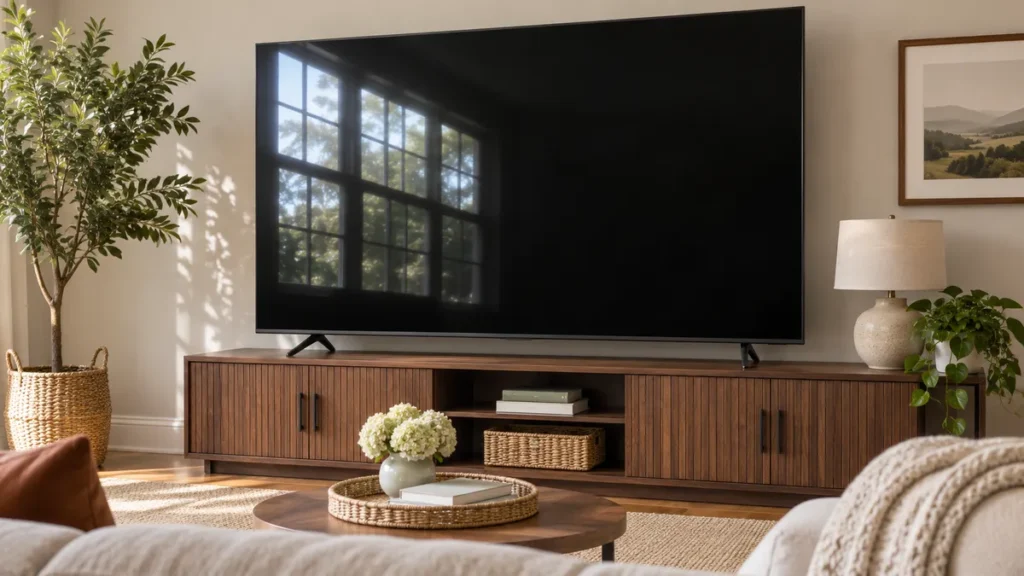
For a Sony vs Samsung TV purchase around $1,200, the Samsung S85H is my pick for daytime sports. Both entry OLEDs in the table have glossy screens, and RTINGS measured more brightness from the Samsung. If you can clearly see a window reflected in the screen during games, the Samsung S90H is the model I’d compare next. Its listing specifies a Glare-Free finish, and it was $200 more than the S85H and BRAVIA 6 in the same 65-inch retailer snapshot. RTINGS entry OLED comparison · Best Buy OLED listings
When to compare Mini-LED TVs
If the TV will spend most of its time showing daytime football, baseball, or news in an open, sunny family room, compare a Mini-LED model before ordering. A useful pair is the Samsung QN90F and the Sony BRAVIA 7, both offered in a 65-inch version. RTINGS found that the Samsung had the advantage in direct reflection handling. The Sony showed more accurate color in that matchup. Check the exact model name when shopping because BRAVIA 7 and BRAVIA 7 II refer to different TVs. RTINGS Mini-LED comparison
Where people sit matters on game day. If friends watch from a chair well off to the side, check viewing-angle performance along with brightness and glare. Gray uniformity is another worthwhile comparison. It tells you whether a large area of similar color looks reasonably even as the camera pans across an ice rink or football field.
Sony vs Samsung TV for PS5 gaming
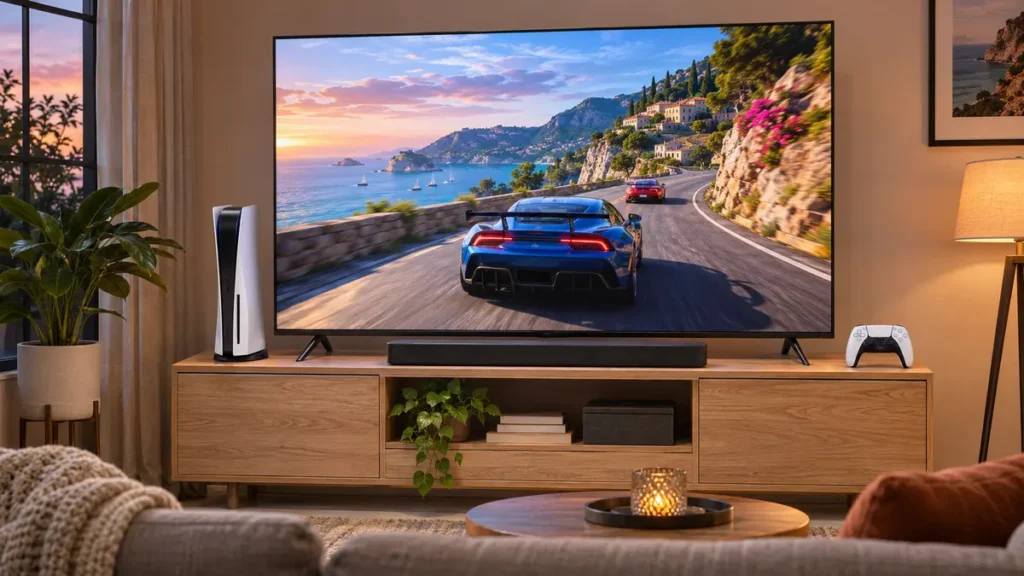
Both the BRAVIA 6 OLED and S85H OLED support 4K at 120 Hz and variable refresh rate with a PS5. A supported game can use a 120 Hz mode, and VRR helps smooth out changes in frame rate. Game support and settings determine what you actually get on screen. On the console, check Settings → Screen and Video → Video Output to see what your TV connection supports. Sony BRAVIA 6 specifications · Samsung S85H specifications · PlayStation video output guide
If your setup is a PS5, a soundbar, and one TV, I’d make the Sony vs Samsung TV choice based on the rest of your day. Buy the Samsung if family members watch sports with the curtains open or the console gets used in daylight. Buy the Sony if evening movies in Dolby Vision are just as important as gaming.
Adding an Xbox or a gaming PC? Count your devices before you check out. A soundbar often uses the HDMI port labeled eARC. Check the TV’s port diagram and identify which remaining inputs support 4K at 120 Hz with VRR. If you’re shopping a different Sony or Samsung model than the two OLEDs here, use the specs for that exact model.
Sony vs Samsung TV HDMI ports and input lag
The BRAVIA 6 is a good example of why port counts belong in a model-by-model comparison. Sony lists four HDMI inputs and VRR on all four for the US K65A60. The Samsung S85H also supports up to 120 Hz. The S90H can go higher with a compatible gaming PC, which is worth checking if your PC already produces the extra frames. For a PS5 setup, compare how you will use the ports and whether the screen handles the light in your room. Sony BRAVIA 6 port specifications · Samsung S85H specifications · TechRadar S90H review
Refresh rate is how often the display can update. Input lag is the delay before an action you take shows up on the screen. Compare input lag measurements in Game Mode at the resolution and refresh rate you actually use. A single number in a spec roundup leaves out those test conditions.
Sony vs Samsung TV software and streaming apps
The BRAVIA 6 runs Google TV, and the S85H runs Samsung Tizen. The difference you feel every day is how you search, open apps, and switch inputs from the home screen. If your family is used to Google TV or you already use Samsung’s interface on another TV, familiarity can be worth more than a small picture difference. Sony retailer specifications · Samsung retailer specifications
Check availability for any local TV, sports, or niche streaming app you use every week. If all your streaming happens through a Roku or Apple TV box, put the built-in interface lower on your list. You’ll spend most of your time in the box’s menus anyway.
Sony vs Samsung TV sound and soundbars
Sony’s screen-based audio is worth listening to on models that have it. For the 65-inch BRAVIA 6, Sony lists a 20-watt bass-reflex speaker system. If you’re shopping specifically for Acoustic Surface Audio+, check the speaker type on that model’s spec page. On the Samsung side, Q-Symphony can play audio through a compatible TV and soundbar together. Check compatibility for both product codes if you want to use it. Sony BRAVIA 6 sound specifications · Samsung S85H audio specifications
If you’re planning to use the TV’s own speakers, listen to a quiet conversation at the volume you’d use in the evening. Check whether you can hear the dialogue when music starts underneath it. If a soundbar is already part of your budget, the Sony vs Samsung TV choice can come down to HDMI placement and how much space you have under the screen.
Sony vs Samsung TV design, remote, and wall mounting
A 65-inch diagonal tells you little about the size of the stand. Sony lists the BRAVIA 6 stand width at about 31.69 inches in the standard position. Measure your cabinet, check the foot spacing and stand depth, and leave enough clearance for a soundbar. If you use a slim wall mount, check which way the HDMI connections face before ordering cables. A rear-facing plug can affect how close the TV sits to the wall. Some Samsung models use a separate One Connect box. Confirm that it’s included with the exact model before planning where the box and cables will go. Sony BRAVIA 6 dimensions
Try the remote with a task you do every day, such as switching from the cable box to the console. If you watch with the lights off, look at button visibility and layout while you’re there. These details are easy to miss when the showroom display is already playing a demo.
If you also use your TV as a desk monitor, our under-desk cable management guide shows how to route HDMI and power cables neatly.
Sony vs Samsung TV prices, warranty, and returns
At the researched US prices, the 65-inch BRAVIA 6 and S85H were tied. The S90H cost $200 more in the same Best Buy snapshot. I’d consider paying the difference if a large window reflects into the main seat most afternoons. In a room with blackout shades, I’d compare the two $1,199.99 sets first and consider putting the savings toward audio. Best Buy 65-inch OLED prices
Compare the delivered price for your ZIP code and read the warranty and return terms for the unit you’re ordering. Find out who handles pickup if a large screen arrives damaged, and whether a clearance or open-box unit has different terms. For a TV that will regularly show the same news ticker or desktop layout for hours, check the manufacturer’s guidance and warranty coverage for that use.
Sony vs Samsung TV buying checklist
- Compare the same screen size and exact model. The 65-inch units compared here are the Sony K65A60 and Samsung QN65S85HAEXZA. If a 55-inch sale catches your eye, repeat the Sony vs Samsung TV comparison for that size using the exact specifications and available test coverage.
- Include delivery and installation in the price. Compare delivered totals and check pickup, setup, and return options by ZIP code. A good sticker price is less useful if delivery takes weeks or a return means transporting a 65-inch TV yourself.
- Measure your furniture. Check the width between the TV feet and the space below the picture for your soundbar. For a wall mount, check the TV’s weight and mounting pattern against your bracket.
- List what will stay connected. Make room for the console, the eARC soundbar, your streaming box, and any other devices. Verify the capabilities you need on the actual ports you plan to use.
How to compare a Sony vs Samsung TV in a store
Ask to see both sets play the same content in comparable picture modes, such as Cinema, Movie, or Filmmaker, where available. A dim scene with a face in shadow shows something different from a bright sports demo. Watch a slow pan across a field, then move to the side to see what the picture looks like from an extra chair. If you can, bring a scene you know well. Even a short stretch of dialogue lets you judge whether the TV speakers will be enough.
At home, sit in your usual spot around the time you normally watch. Turn off the current TV and look at where windows or lamps reflect. That simple check can tell you whether glare should influence your Sony vs Samsung TV budget before you pay for a different screen finish.
Frequently asked questions
Sony vs Samsung TV for a dark room: Which should you buy?
Both OLEDs are capable dark-room choices. Choose the Sony BRAVIA 6 if you want Dolby Vision for your movie collection. Choose the Samsung S85H if you value the brighter HDR highlights it delivered in independent testing. The two were listed at the same price in the 65-inch size. RTINGS OLED comparison · Best Buy OLED listings
Does the Samsung S85H support Dolby Vision?
The S85H supports HDR10 and HDR10+. For Dolby Vision playback, choose a compatible TV such as the Sony BRAVIA 6. You’ll also need Dolby Vision content and a compatible playback setup. RTINGS HDR format comparison
Is OLED or Mini-LED better for sports?
Start with the room and where people sit. OLED is a good fit if the lighting is controlled and people will watch from several seats. If games are usually on in a sunlit room, compare bright Mini-LED sets and glare-reducing OLED models using measured reflection handling, brightness, and viewing angles. RTINGS Mini-LED comparison
Which 65-inch TV should I buy for around $1,200?
For a Sony vs Samsung TV purchase at matching prices, I’d buy the Samsung S85H for a household that splits its time among daytime sports, streaming, and gaming. I’d buy the Sony BRAVIA 6 if most viewing happens at night and Dolby Vision is a feature I’ll regularly use. If neither room lighting nor HDR format matters much to you, compare the final prices and return terms for your ZIP code.