On This Page
What is an OLED TV? It’s a television with pixels that produce their own light. Each pixel can switch off independently, which helps dark areas stay dark next to bright details. You’ll notice the difference most in a dark room, especially in movies with shadowy scenes, bright subtitles, or small points of light against black. LG’s OLED TV guide · RTINGS’ guide to TV panel types
OLED is worth a close look if you watch movies at night, play games in a room where you can control the light, or need a picture that still looks good from the side of the sofa. If your screen faces a big window or stays on the same news channel most of the day, compare a good Mini-LED TV before spending the extra money.
What Is an OLED TV and How Does It Work?
OLED stands for Organic Light-Emitting Diode. The term refers to display materials that emit light when electricity passes through them. In practical terms, the TV can control light at the pixel level. A regular LED TV uses an LCD panel and a separate LED backlight. LG’s OLED TV guide · RTINGS’ panel guide
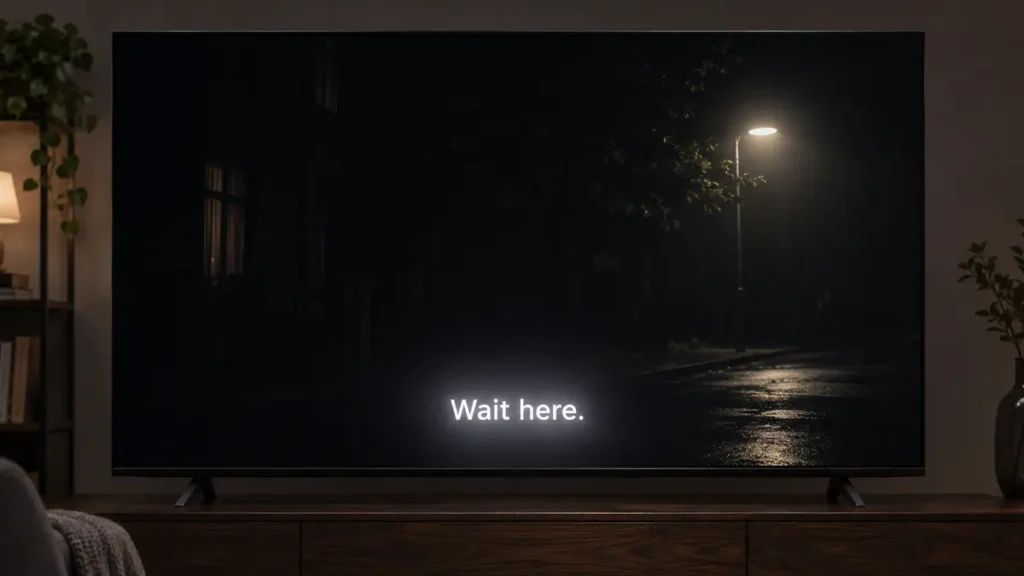
Picture a movie scene with a bright streetlamp and an almost black sky. On an OLED, the pixels forming the lamp can light up while nearby pixels stay off. A backlit LCD has to manage the light behind the image. On some TVs, you may see a soft glow around the lamp or around white subtitles. That glow is called blooming. Local dimming can reduce it, and the results vary by model. RTINGS’ panel guide
What is an OLED TV display versus a 4K display?
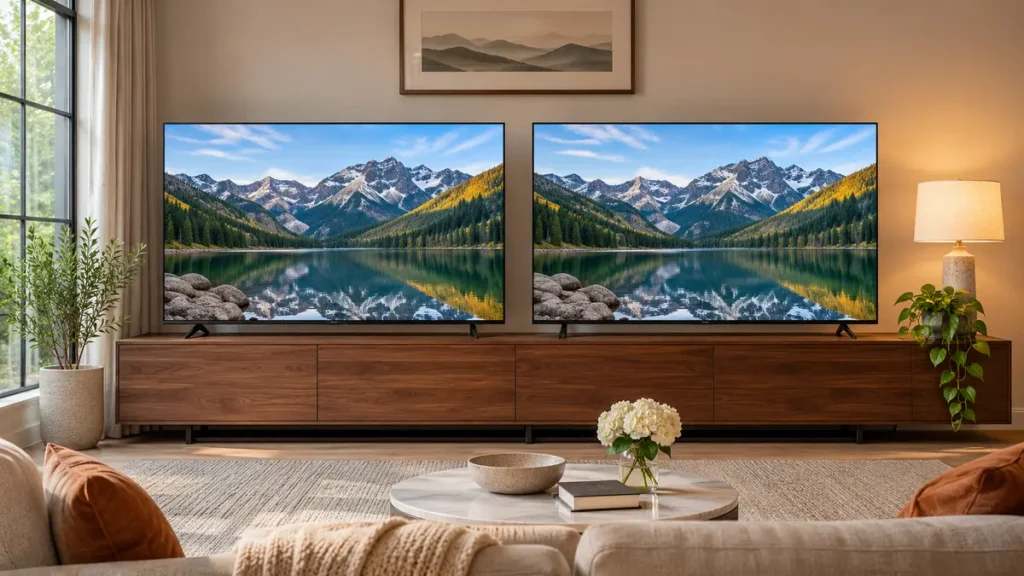
OLED describes how the screen produces light. 4K describes its resolution. A 4K OLED and a 4K QLED can have the same number of pixels and still look quite different in a dark movie scene. If two TVs are both 4K, compare contrast, brightness, reflections, and viewing angles to see which fits your room. RTINGS’ panel guide
What is a QD-OLED TV?
QD-OLED is a type of OLED that uses quantum dots to produce red and green light from a blue OLED light source. WOLED is another OLED design that uses a white-light OLED stack with color filters. Both designs can turn off individual pixels. Their color and black levels can look different under room lighting, so compare the actual TVs in the conditions you’ll use them in. Strong ambient light can raise the apparent black level on some QD-OLED screens. RTINGS’ OLED panel breakdown
The panel can also vary by screen size within a TV series. If you read a review of a 65-inch model and plan to order the 48-inch version, confirm the full model number and panel type before treating the review as a match. RTINGS’ Samsung S90D size breakdown
What is the difference between OLED and QLED TV screens?
OLED uses self-lighting pixels. QLED is a backlit LCD with a quantum-dot layer. You’ll also see Mini-LED, which describes an LCD backlight that uses very small LEDs to control light in groups. A TV can be both QLED and Mini-LED. The quantum dots and the backlight describe different parts of the screen. RTINGS’ TV panel guide
| TV type | How it lights the picture | Where it makes sense | What to check |
|---|---|---|---|
| OLED | Each pixel makes its own light. | Evening movies, gaming, and seating spread across the room. | Reflections, full-screen brightness, and long periods of static content. |
| QLED | An LED backlight shines through an LCD with a quantum-dot layer. | Everyday viewing, especially when price and a bright picture matter. | Local dimming, contrast, and off-center viewing. |
| Mini-LED LCD | Small LEDs light the LCD in groups called dimming zones. | Sunny family rooms, daytime sports, and frequent viewing with fixed graphics. | Direct reflections and blooming around subtitles or small highlights. |
Here’s a useful way to compare them in a store. Ask to see the same scene on both screens in comparable picture modes. Try a dark scene with subtitles, then switch to a bright sports clip. Watch from the center and from the side. If a window reflected in one screen is the first thing you notice, look for reflection tests on that model before making your dec
OLED TV benefits you’re likely to notice
Dark scenes stay dark around bright details
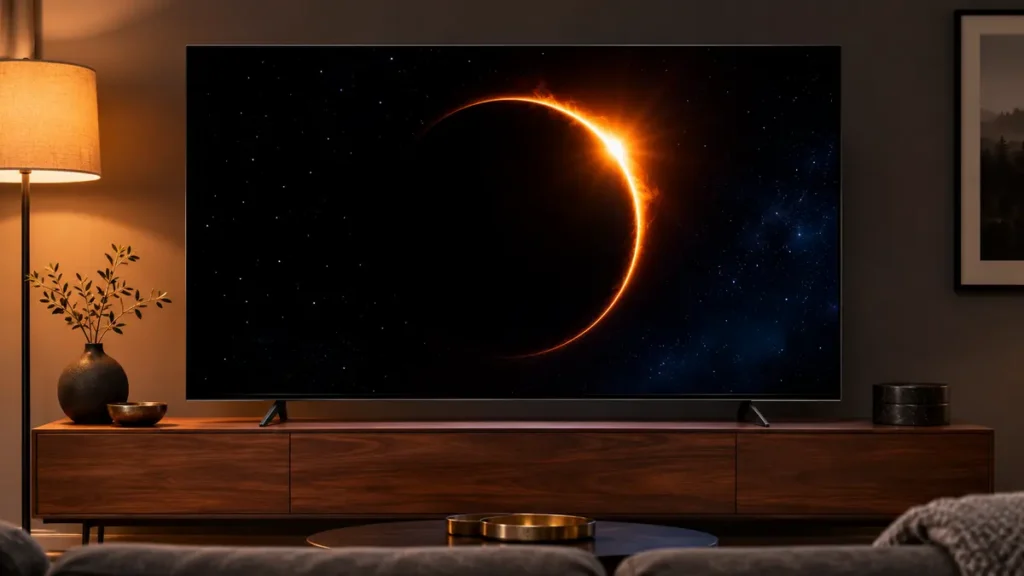
An OLED can turn off the pixels around a bright object. That’s particularly useful for space scenes, movies with black bars, and subtitles that sit near the bottom of a dim picture. If you watch with the lights low, these are everyday reasons an OLED can look different from an LCD. RTINGS’ panel guide
People sitting off-center can get a better view
OLED TVs generally have wide viewing angles. If one person gets the middle of the sofa and everyone else watches from a side chair, that can make a bigger difference than another feature on the spec sheet. The screen finish still matters. From a side chair, you may catch a window reflection that the person in the middle never sees. RTINGS’ panel guide
Fast pixel response helps with gaming
OLED pixels can change quickly, which helps keep fast movement clear. When you shop for a PS5 or gaming PC, check the TV’s supported refresh rate, input lag in Game Mode, and variable refresh rate (VRR) separately. If you want 4K at 120 Hz, verify which HDMI inputs support it. A soundbar can use up one input through eARC, so count the ports you’ll actually have available. RTINGS’ panel guide · PlayStation’s video output guide
OLED TV drawbacks to consider
Bright rooms change what you see
If you mainly watch during the day, look at screen reflections and brightness across a large part of the screen. A review’s peak HDR brightness result may describe a small highlight. A hockey rink, an afternoon football game, or a bright daytime show puts a very different picture on the screen. Compare the model’s daytime performance and screen finish before buying. RTINGS’ panel guide
Try this at home. Turn off your current TV in the afternoon and sit where you usually watch. If you see a sharp reflection of a window across the middle of the screen, think about whether you can move the TV, rearrange the seating, or close a shade. If the layout is fixed, give reflection handling extra weight when comparing models.
Static content can cause burn-in
OLED burn-in is a persistent visible mark caused by uneven pixel wear. Repeatedly showing a bright news ticker, station logo, or game HUD in the same place for long periods can increase the risk. A TV used for a mix of movies, sports, and games has a different viewing pattern from a TV left on one channel through the workday. RTINGS’ accelerated tests used repeated static-heavy content, so treat them as evidence of how wear can develop under that workload. RTINGS’ OLED burn-in testing
Think about what will be on-screen on an ordinary Tuesday. If a news channel runs for hours every day or the TV is your main work monitor with the same taskbar and app layout, I’d lean toward a good LCD. If everyone uses the TV for different things, keep OLED on the shortlist and check the manufacturer’s care guidance and warranty terms for the exact model.
Compare the size you can actually afford
Get prices for the same screen size before comparing panel types. Then look at the size trade-off within your budget. A 55-inch OLED can make sense in a bedroom or smaller movie room. In a bigger room with seats farther back, I’d compare it with a 65-inch Mini-LED before deciding. Use the room and the actual delivered price to choose what you’d rather live with.
What Is an OLED TV Best For?
| Your setup | Where I’d start |
|---|---|
| You mostly watch movies after dark. | OLED. Dark scenes, subtitles, and small highlights are good reasons to buy it. |
| You watch Sunday football in a bright room with uncovered windows. | Compare Mini-LED and glare-reducing OLED. Put reflection handling high on the list. |
| You play PS5 and stream shows in the evening. | OLED. Check the gaming specs for the exact HDMI input you’ll use. |
| One news channel plays for hours every weekday. | LCD or Mini-LED. Your usage includes long stretches of fixed graphics. |
| Several people watch from side seats. | OLED is worth a look. Check what the screen looks like from the actual seating angles. |
If you’re already comparing brands, our Sony vs Samsung TV buying guide shows how two 65-inch OLEDs at the same researched price differed in brightness and HDR support.
If you’re deciding whether OLED suits your room, our guide to what an OLED TV is explains how self-lit pixels work and when Mini-LED may be a better fit.
Frequently asked questions
Is an OLED TV better than a regular LED TV?
For a dark movie room, I’d generally start with OLED because of its pixel-level light control. For daytime viewing near uncovered windows or for a TV that shows fixed graphics throughout the day, compare an LED LCD with good brightness and reflection handling. The right choice depends on the particular screens and how you use them. RTINGS’ panel guide
Is every OLED TV a smart TV?
OLED tells you the display type. Smart TV features tell you which apps and software the television runs. Check the platform and the apps you actually use, especially if you depend on a local sports service. If you watch through an external streaming device, spend more time comparing picture quality, HDMI ports, and the remote.
What is an OLED TV like in a sunny room?
Yes. Compare the model’s screen finish and brightness, and check where the windows are relative to the TV and sofa. An OLED can work well with sunlight coming in from the side and shades you can close. If the TV faces a large window with no shade, put a bright Mini-LED on your shortlist too. RTINGS’ panel guide
Is OLED good for sports?
Yes, particularly if several people watch from different seats in a room with controlled lighting. For daytime games, look up brightness and reflections for the exact model. Also check gray uniformity if you watch hockey or other sports where the camera pans across large areas of similar color. RTINGS’ panel guide