On This Page
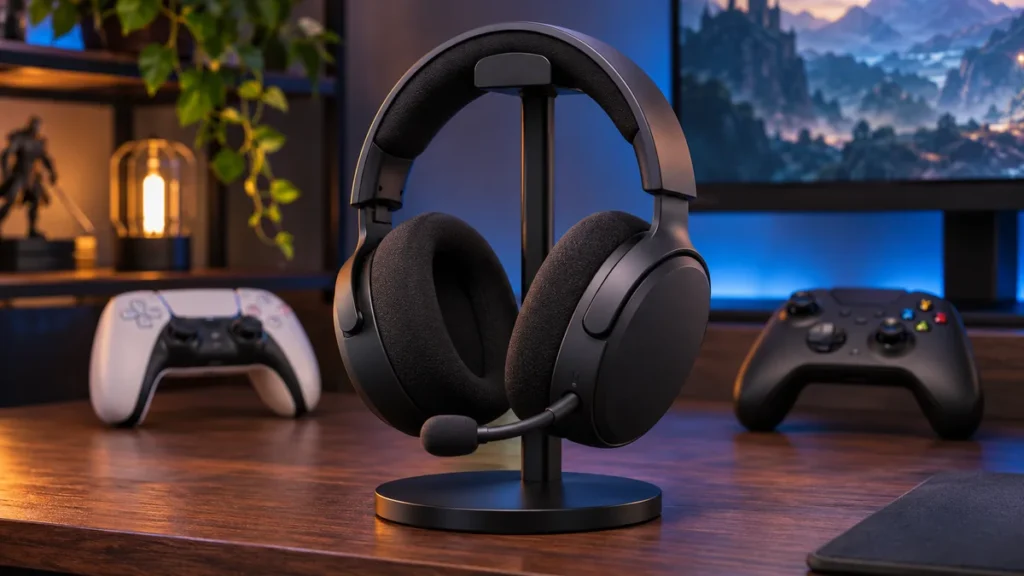
The best wireless gaming headset for your setup depends on where you play and what you want from it. If you switch between Xbox and PS5, buying the right version matters more than squeezing out another few hours of battery life. If you play exclusively on PC, you have more room to prioritize a better microphone, a lighter fit, or fewer trips to the charger.
Our premium pick is the SteelSeries Arctis Nova Pro Wireless, especially if you want active noise cancellation and a spare battery ready to go. The Razer BlackShark V2 HyperSpeed is a lighter option for PC players who spend most of the evening in voice chat. For wireless Xbox gaming at a lower price than the SteelSeries, start with the Turtle Beach Stealth 600 Gen 3 for Xbox.
Find the Best Wireless Gaming Headset for Your Setup
| Headset | Best for | Listed battery life | PC wireless | PS5 wireless | Xbox Series X/S wireless |
|---|---|---|---|---|---|
| SteelSeries Arctis Nova Pro Wireless | Premium features and two gaming systems | Up to 22 hours per battery | Yes | Yes | Xbox version only |
| HyperX Cloud Alpha Wireless | Long battery life on PC | Up to 300 hours | Yes | PC is the platform listed by HyperX | No |
| Logitech G PRO X 2 LIGHTSPEED | PC gaming with flexible connection options | Up to 50 hours | Yes | Yes, via USB receiver | Wired via 3.5 mm |
| Razer BlackShark V2 HyperSpeed | Lightweight PC gaming and voice chat | Up to 70 hours | Yes | Yes, via USB receiver | No |
| Corsair HS55 Wireless | Lightweight budget option for PC and PS5 | Up to 24 hours | Yes | Yes, via USB receiver | No |
| Turtle Beach Stealth 600 Gen 3 | Xbox value and multiplatform use | Up to 80 hours | Yes | Yes, with the Xbox version covered here | Xbox version only |
Battery figures are listed as maximums. Actual runtime can vary with volume, connection mode, and features such as active noise cancellation. For Xbox, check the platform selector and the exact model name before ordering. A retailer may group several versions on one page. support.steelseries.com
This guide compares manufacturer specifications, setup documentation, and published reviews. The picks are based on platform support, connection options, battery design, and the trade-offs that matter for each setup.
1. SteelSeries Arctis Nova Pro Wireless for Premium Features
The SteelSeries Arctis Nova Pro Wireless is our pick for the best wireless gaming headset if you regularly switch between two gaming systems.
The Arctis Nova Pro Wireless makes the most sense if you regularly switch between two gaming systems or want a headset you can keep using while its spare battery charges. The base station has two USB system connections, so you can leave two compatible devices plugged in and switch between them from the station.
The headset comes with two removable batteries. One powers the headset while the other charges in the base station. Each battery is rated for up to 22 hours, dropping to around 18 hours when Bluetooth is also active. You can also listen to game audio over the main wireless connection while taking a phone call or listening to audio over Bluetooth.
If your setup includes Xbox, buy the Arctis Nova Pro Wireless for Xbox. Its dedicated Xbox port connects to your console, leaving the second USB connection available for a PC or PS5. Active noise cancellation is another reason to consider this model if you play near a noisy PC or in a shared room.
Buy it if you want to keep two gaming systems connected, take phone calls while gaming, or swap batteries when one runs low. The trade-off is a higher price and a base station that needs space beside your setup. SteelSeries compatibility guide. support.steelseries.com
2. HyperX Cloud Alpha Wireless for Long Battery Life
If you want the best wireless gaming headset for long battery life on PC, start with the HyperX Cloud Alpha Wireless.
If you keep forgetting to charge your headset, the HyperX Cloud Alpha Wireless is the easiest recommendation in this guide for a dedicated PC setup. HyperX rates the original Cloud Alpha Wireless for up to 300 hours at 50% headphone volume. That figure gives you a useful comparison point, though your own runtime will depend on how you use it.
The headset connects through its included 2.4 GHz USB adapter and uses memory foam ear cushions. The boom mic detaches, which is handy if you alternate between multiplayer sessions and single-player games. There’s no Bluetooth, so plan to use the USB adapter whenever you want audio.
Check the product name when you shop. The Cloud Alpha 2 Wireless is a different headset with an advertised maximum of 250 hours. The 300-hour rating belongs to the original model covered here.
Buy it if you play mainly on PC and want the longest listed single-charge runtime in this comparison. The trade-off is having one audio connection option. HyperX Cloud Alpha Wireless specifications. hyperx.com
3. Logitech G PRO X 2 LIGHTSPEED for Flexible PC Gaming
The Logitech G PRO X 2 LIGHTSPEED is the pick if you want several ways to connect the same headset. Use the LIGHTSPEED USB receiver for PC or PS5 gaming, Bluetooth for your phone, or the 3.5 mm cable when you need an analog connection. On Xbox Series X or Series S, the analog cable is the option to use through the controller.
Logitech lists up to 50 hours of battery life over the USB wireless connection. The headset also includes leatherette and fabric ear pads. If you wear glasses or find sealed pads warm after an hour or two, having another set to try is a practical benefit.
For competitive PC gaming, the USB receiver is the connection to start with. If your main concern is how your voice sounds to teammates, compare microphone samples before buying. RTINGS found the G PRO X 2’s mic could sound bass-heavy, so voice quality alone would steer me toward a different pick.
Buy it if you want a USB wireless headset for PC and PS5 with Bluetooth and an analog fallback. The trade-off is that Xbox use requires a cable to the controller. Logitech G PRO X 2 LIGHTSPEED product page. www.logitechg.com
4. Razer BlackShark V2 HyperSpeed for a Lighter Fit and Voice Chat
At about 280 grams, the Razer BlackShark V2 HyperSpeed is worth a look if a heavier headset starts to bother you halfway through an evening of gaming. Its fixed boom mic is another reason to choose it, especially if you spend a lot of time on Discord or in team chat. RTINGS found its boom mic performed better than the mic on the Razer Barracuda Wireless, another model with several connection options.
The BlackShark V2 HyperSpeed supports 2.4 GHz wireless, Bluetooth, and wired USB audio. Razer lists up to 70 hours on a full charge and up to six hours of play from a 15-minute charge. If you often discover a low battery just before joining friends, that quick-charge option is more useful than a large battery figure on its own.
Buy it if you mainly play on PC and want a lightweight headset with a boom mic and quick charging. The trade-off is that the microphone stays attached, even when you use the headset away from your desk. Razer BlackShark V2 HyperSpeed product page. www.razer.com
5. Corsair HS55 Wireless for Budget PC and PS5 Gaming
If you’re looking for the best wireless gaming headset on a budget for PC or PS5, compare the Corsair HS55 Wireless with the Razer before buying.
Consider the Corsair HS55 Wireless if you want a simple headset for PC or PS5 and find it at a meaningful discount compared with the Razer. It weighs about 266 grams, includes a flip-to-mute boom mic, and has a straightforward setup. Plug the included USB receiver into your PC or PS5 for wireless game audio. Bluetooth gives you another way to connect it to a compatible phone.
Corsair lists up to 24 hours of battery life. That’s enough for several shorter sessions, but frequent players will charge it more often than most other headsets in this guide. If the Corsair and Razer are close in price, the Razer’s longer listed runtime and quick charging make it easier to justify for a PC setup.
Buy it if you want a lightweight USB wireless headset for PC or PS5 and the price is right. The trade-off is shorter battery life and the absence of Xbox wireless support. Corsair HS55 Wireless setup guide. assets.corsair.com
6. Turtle Beach Stealth 600 Gen 3 for Xbox Value
The Turtle Beach Stealth 600 Gen 3 for Xbox is our pick for the best wireless gaming headset for Xbox players who also use a PC or PS5.
The Xbox version of the Turtle Beach Stealth 600 Gen 3 is the first one I’d check if you mainly play on Xbox Series X or Series S and sometimes move to PC or PS5. It also makes sense if you want long battery life and don’t need the SteelSeries base station or swappable batteries.
Turtle Beach lists up to 80 hours of runtime. The headset comes with a flip-to-mute mic, a 2.4 GHz USB transmitter, and Bluetooth. Its QuickSwitch button changes the active audio source between wireless gaming and Bluetooth. If you want to hear game audio and your phone at the same time, choose the SteelSeries instead.
Turtle Beach sells Xbox, PlayStation, and PC versions under the same Stealth 600 Gen 3 name. Open the actual product listing and select Xbox if you want to use it wirelessly with an Xbox console.
Buy it if you want one wireless headset for Xbox, PC, and PS5 without paying for a premium base station. The trade-off is switching between console audio and phone audio when you use Bluetooth. Turtle Beach Stealth 600 Gen 3 product page. www.turtlebeach.com
How to Choose the Best Wireless Gaming Headset
Start with the device you play on most
For PC, check whether the headset’s receiver fits an available USB port and whether the companion app offers settings you’ll actually use. For PS5, look for explicit support for the included wireless receiver. For Xbox Series X or Series S, check that the exact model supports wireless audio and chat on Xbox. A listing that says “works with Xbox” may refer to a wired connection through the controller, as it does with the Logitech in this guide. blog.playstation.com
Use the included 2.4 GHz receiver for gaming
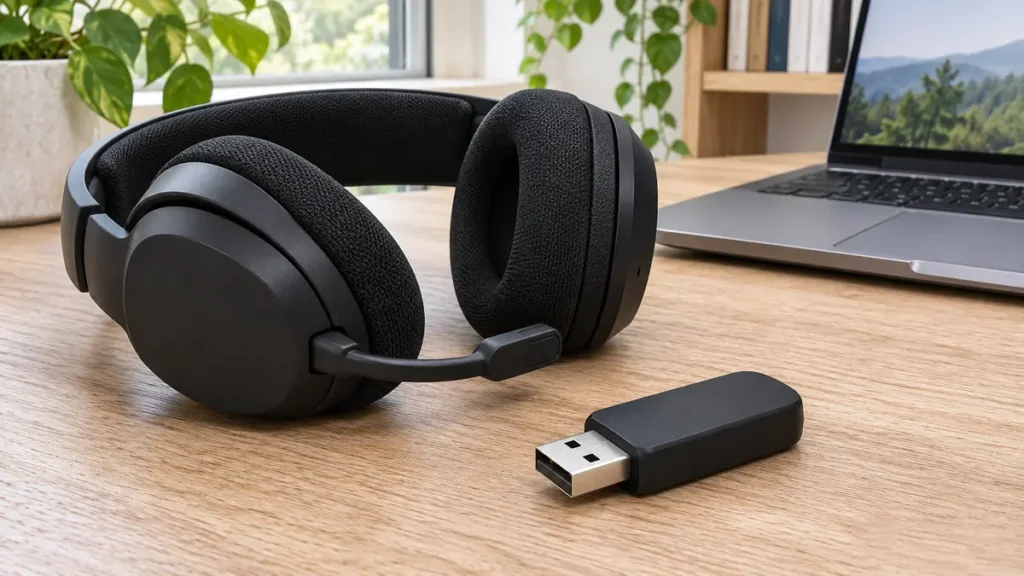
A dedicated 2.4 GHz receiver is a sensible default when you care about keeping dialogue, footsteps, or other sound cues in sync with the game. Bluetooth is handy for phone calls, music, and a second device. If you need both sources at once, look for simultaneous Bluetooth and 2.4 GHz audio. Some headsets support both connections but play one source at a time. www.rtings.com
Compare the microphone and fit before paying for extras
If you talk to teammates every night, listen to a published microphone sample. Listen for how clearly the reviewer’s voice comes through and whether keyboard noise gets picked up. A mic can sound fine in a quiet room and be less useful when someone is typing right beside it.
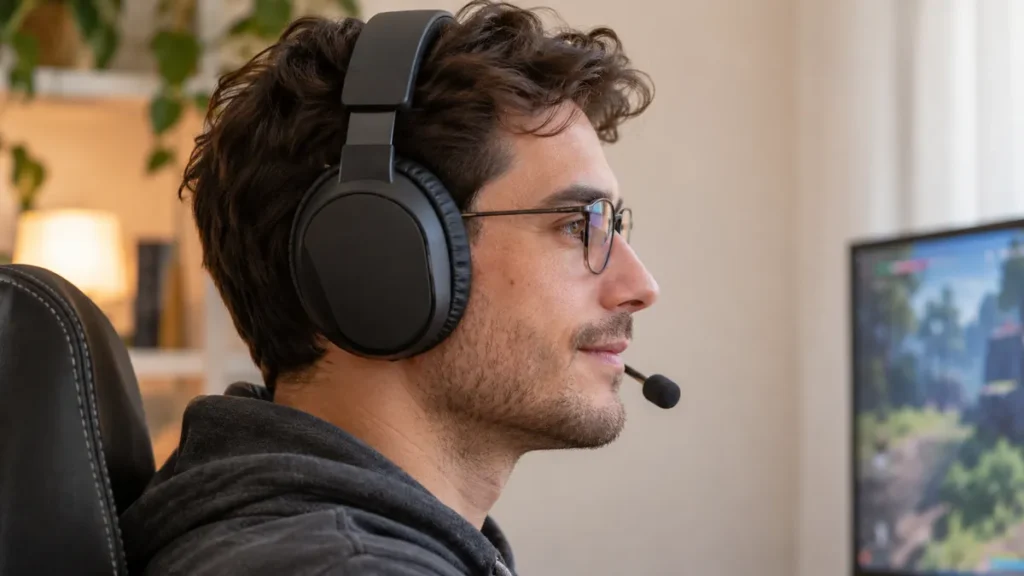
Weight is a helpful starting point for comfort, especially for long sessions. Pad material, earcup depth, and how tightly the headset sits also matter. If you wear glasses, check whether the ear cushions press the frames against your temples and whether replacement pads are available.
Pick a battery setup that fits your routine
Think about when you’d normally charge. A headset such as the Corsair can make sense if you regularly plug it in at the end of the week. The HyperX suits a PC player who would rather charge less often. The SteelSeries takes a different approach: keep a spare in the base station and swap it in when the headset runs low. www.kio.rs
Frequently Asked Questions
What Is the Best Wireless Gaming Headset on a Budget for PS5?
The Turtle Beach Stealth 600 Gen 3 for Xbox is the value pick if you need wireless support on both consoles. The SteelSeries Arctis Nova Pro Wireless for Xbox is the premium option if you want to leave both consoles connected to a base station and switch between them there. In both cases, select the Xbox version. support.steelseries.com
Can you connect a Bluetooth gaming headset directly to a PS5?
The PS5 doesn’t support direct pairing with standard third-party Bluetooth audio headsets. For wireless game audio and voice chat, use a PS5-compatible headset with its included USB receiver. If you’re looking at a separate Bluetooth adapter, check whether it carries microphone audio as well as game sound. blog.playstation.com
Are wireless gaming headsets good for competitive gaming?
Yes. A model with a low-latency 2.4 GHz connection can work well for competitive play. Use the USB receiver and check independent latency measurements for the exact model if response time matters to you. Bluetooth and dongle performance can differ on the same headset. www.rtings.com
Can you use a wireless gaming headset while it charges?
It depends on the model. Check whether the headset can stay connected to its wireless receiver while it’s charging and whether the USB cable also carries audio. The Logitech G PRO X 2 LIGHTSPEED’s USB-C port, for example, is for charging. The Razer BlackShark V2 HyperSpeed supports wired USB audio. SoundGuys
What’s a good budget wireless gaming headset for PS5?
Start with the Corsair HS55 Wireless if it fits your budget. It connects to the PS5 through its included USB receiver and has a flip-to-mute mic. Compare the current price with the Turtle Beach Stealth 600 Gen 3 if battery life matters more to you. assets.corsair.com
Which One Should You Buy?
Choose the SteelSeries Arctis Nova Pro Wireless if you split your gaming time between two systems and want swappable batteries, active noise cancellation, and simultaneous Bluetooth. Buy the Xbox version if one of those systems is an Xbox. For a simpler Xbox setup, the Turtle Beach Stealth 600 Gen 3 for Xbox is where I’d start. support.steelseries.com
On PC, pick the HyperX Cloud Alpha Wireless if you primarily want to go longer between charges. Pick the Razer BlackShark V2 HyperSpeed if you want less weight on your head and regularly use voice chat. For PS5 on a budget, check the Corsair HS55 Wireless first and compare its current price with the other compatible picks.